
Account Deletion Guide
You can permanently delete your QuickZor account from inside the app by following the steps below.
You can permanently delete your QuickZor account from inside the app by following the steps below.
Open the QuickZor app, go to the Home screen, then open your Profile section.
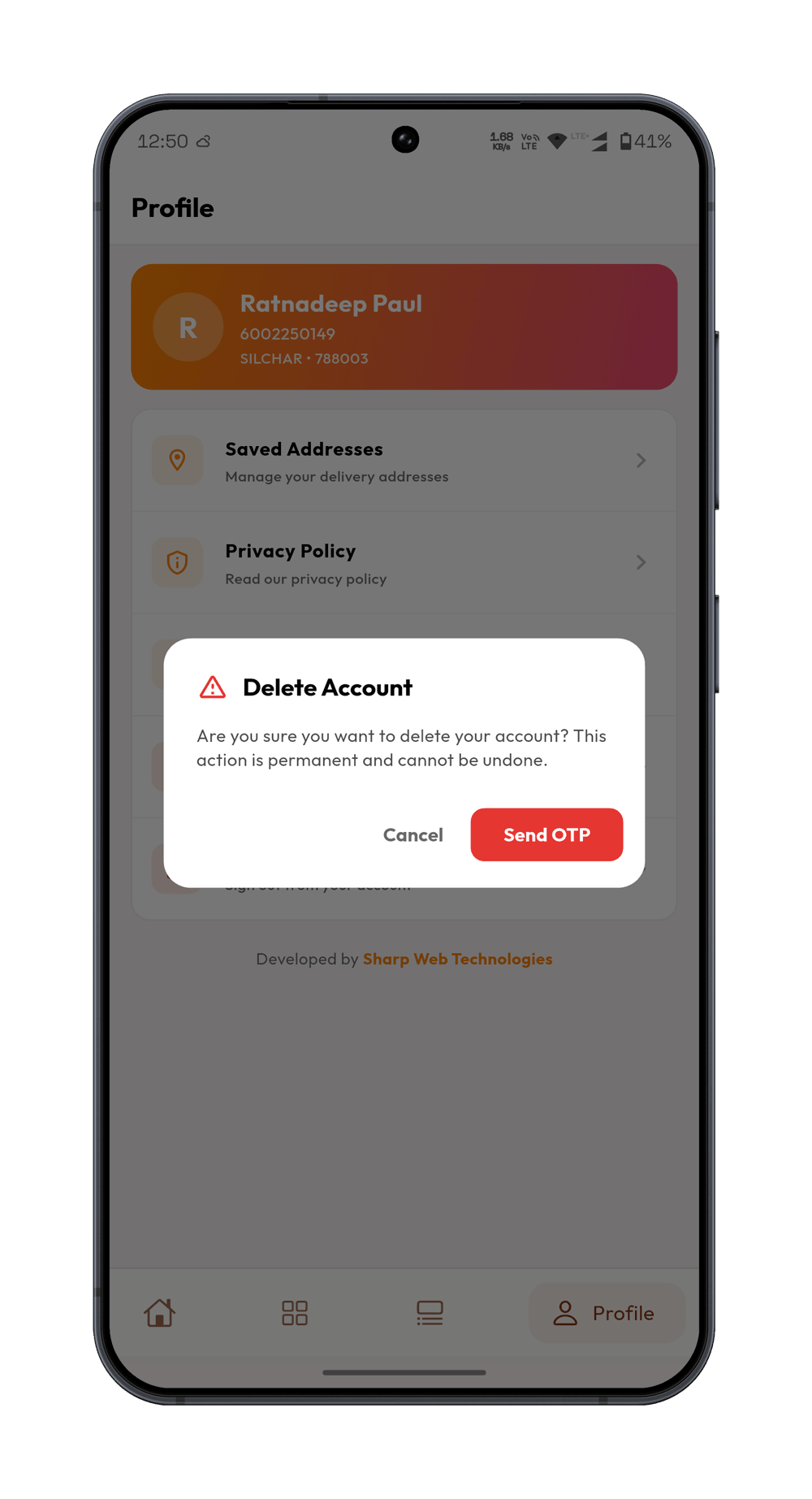
Tap the Delete Account option and confirm to complete account deletion.
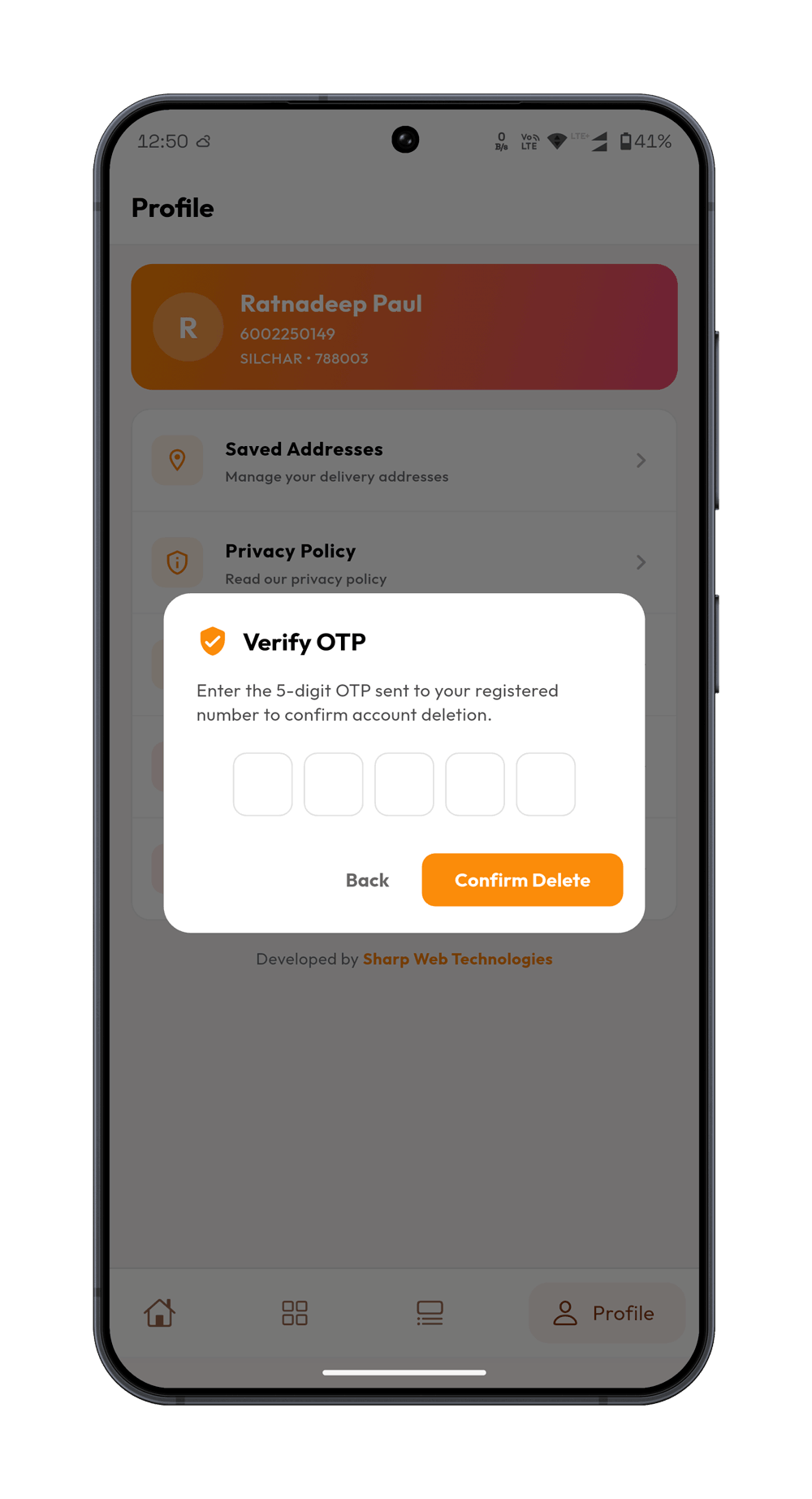
If you are unable to delete your account from the app, contact quickzorshop@gmail.com with your registered phone number.